John Schmidt
Member

Posts: 15392
a/k/a Stuffy. '99 I/S Valk Roadsmith Trike
De Pere, WI (Green Bay)
|
 |
« on: February 07, 2012, 05:14:28 PM » |
|
I have a series of pix I want to post on the Tech board but don't want to resize them. Any suggestions as to an external site I can load them in and provide a link?
|
|
|
|
|
 Logged
|
|
|
|
GreenLantern57
Member
Posts: 1543
Hail to the king baby!
Rock Hill, SC
|
|
« Reply #1 on: February 07, 2012, 05:17:32 PM » |
|
I use Webshots and it lets you resize the image to a preview type size. Been using it for years.
EDIT: Webshots used to have a size limit and I used to resize before posting, but it can now hold full size from my Canon SureShot 10meg camera.
|
|
|
|
« Last Edit: February 07, 2012, 05:37:52 PM by GreenLantern57 »
|
Logged
|
|
|
|
biguglyman
Member
Posts: 579
"AN ARMED SOCIETY IS A POLITE SOCIETY"
Brockport, NY

|
|
« Reply #2 on: February 07, 2012, 05:21:35 PM » |
|
Photobucket works for me and gives you the img link to post without having to screw around with copying/pasting.
|
|
|
|
|
Logged
|
|
|
|
Chrome
Member
Posts: 686
Um boom ba Bay Um boom ba Bay Ba Ba Boom Ba Be Be
London Ontario Canada
|
|
« Reply #3 on: February 07, 2012, 05:25:05 PM » |
|
Hi John I use both Photobucket and Picture Trail. Been happy with both. Never needed to resize. I guess they do that stuff. Way too technical for me. Chrome  |
|
|
|
|
Logged
|
2001 Valkyrie I/S
1999 Valkyrie I/S
1998 Valkyrie Tourer
1998 Ace Tourer
1984 V45 Sabre
1976 CB 750 SuperSport
1969 CB 750 Chopper
|
|
|
Smokinjoe-VRCCDS#0005
Member
Posts: 13848
American by Birth, Southern by the Grace of God.
Beautiful east Tennessee ( GOD'S Country )
|
|
« Reply #4 on: February 07, 2012, 05:31:17 PM » |
|
Photobucket works for me and gives you the img link to post without having to screw around with copying/pasting.
Agree...Load a couple pictures ....Lay mouse on picture ...Copy the IMG code...Paste here...  |
|
|
|
|
Logged
|
 I've seen alot of people that thought they were cool , but then again Lord I've seen alot of fools. |
|
|
|
Bert AKA,Valkaholic
|
|
« Reply #5 on: February 07, 2012, 07:00:03 PM » |
|
I use Photobucket to post pic's here it seems to be the easiest.I Click on the "Insert Image" box,Open another window on my computer and go to my Photobucket,click on Direct Link under the picture,Press the Ctrl button and the C on the key pad at the same time,then go back to my Posted Message and Press Ctrl and the V at the same time on the keypad and the code for the picture appears,then Preview to see the Picture in the posted message.Photobucket resizes the pictures for you.Hope this helps ,Bert 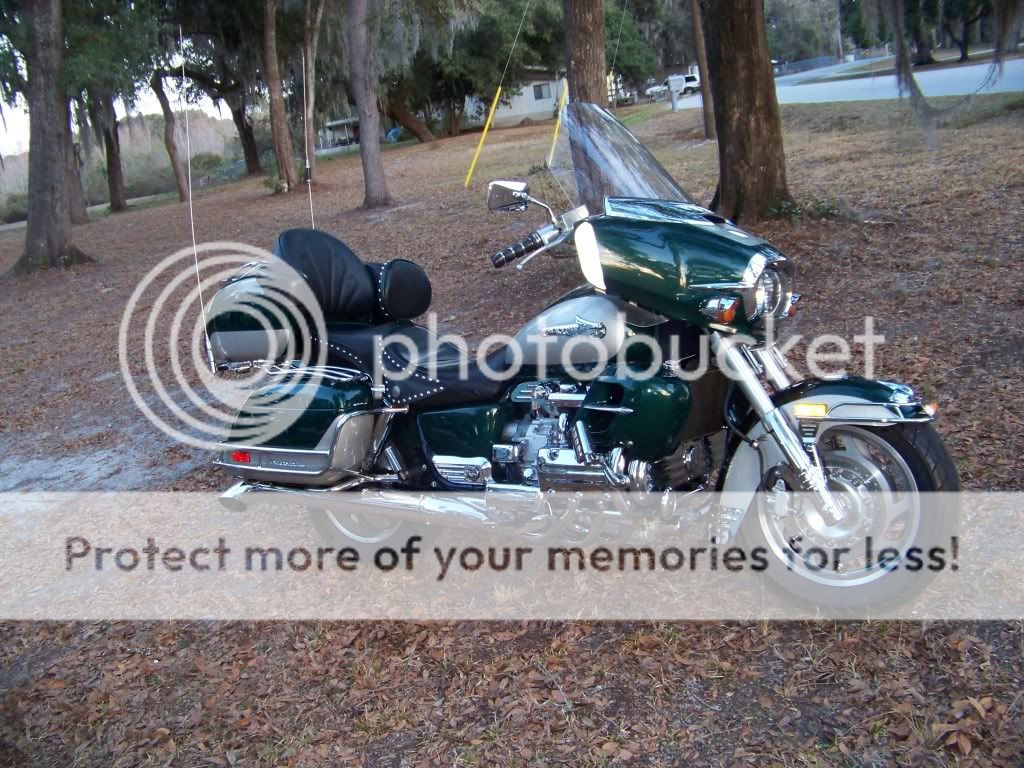 Tom Taught me this trick,and it is very helpful. |
|
|
|
« Last Edit: February 07, 2012, 07:15:40 PM by Bert »
|
Logged
|
Life Is A Highway, I Wanna Ride It All Night Long !
|
|
|
|
Valkahuna
|
|
« Reply #6 on: February 07, 2012, 08:30:54 PM » |
|
I use Photobucket to post pic's here it seems to be the easiest.I Click on the "Insert Image" box,Open another window on my computer and go to my Photobucket,click on Direct Link under the picture,Press the Ctrl button and the C on the key pad at the same time,then go back to my Posted Message and Press Ctrl and the V at the same time on the keypad and the code for the picture appears,then Preview to see the Picture in the posted message.Photobucket resizes the pictures for you.Hope this helps ,Bert Tom Taught me this trick,and it is very helpful. What Bert says!  I find Photobucket very easy to use and use the same as what Bert says with two windows open at the same time. |
|
|
|
|
Logged
|
The key thing is to wake up breathing! All the rest can be fixed. (Except Stupid - You can't fix that)
2014 Indian Chieftain
2001 Valkyrie I/S
Proud to be a Vietnam Vet (US Air Force - SAC, 1967-1972)
|
|
|
|
DirtyDan
|
|
« Reply #7 on: February 07, 2012, 08:40:41 PM » |
|
i like photobucket
|
|
|
|
|
Logged
|
Do it while you can. I did.... it my way
|
|
|
|
herc770
|
|
« Reply #8 on: February 07, 2012, 09:43:01 PM » |
|
Photobucket for me too!
IMG code is diffinatly the easiest.
After you copy then paste the pic in the post or reply box you can still resize it there.
Inside the first bracket you can set adjust the width and height.
For example: [IMG width=200 height=100]
Play around with it before posting by "Preview" until you get it just the right size.
That is what I've done with my 3 lower pics. If I didn't shrink them they would take up the whole screen.
|
|
|
|
|
Logged
|
|
|
|
R J
Member
Posts: 13380
DS-0009 ...... # 173
Des Moines, IA
|
|
« Reply #9 on: February 07, 2012, 10:41:22 PM » |
|
I use PhotoBucket, Smugmug, and 3 or 4 others. Smugmug has all my Valkyrie pics, Smugmug has all my pictures like Doc's Covered Bridge Rides. PhotoBucket has 80% of my InZane's. On the 1st 4 I didn't have a digital camera, so those are in albums in my Computer Room, like 57 albums of 200 pics each. NO way in hell am I going to scan them and put them somewhere... Started these albums in April 1981, 5 years before I retired. Last pictures in album were a bar to bar Poker Run in September of 2000. I've got probably 500 pictures since then that haven't made it into albums. They are all prints.
Have a Excel spread sheet that tells me what is in what album. Makes for a nice index to find something.
|
|
|
|
|
Logged
|
44 Harley ServiCar   |
|
|
|
PhredValk
|
|
« Reply #10 on: February 07, 2012, 11:26:50 PM » |
|
I use Facebook, My Photos. Seems unlimited and it's free.
Fred.
|
|
|
|
|
Logged
|
Growing old is mandatory, growing up is optional.
VRCCDS0237
|
|
|
|





